“Addons” for this game is an Options panel. “AzerothSurvivor” on CurseForge is a World of Warcraft addon that recreates a survivor mode inside WoW. Same words, different programs. This page separates them.
Research checked 28 October 2026: the author’s public addons.js stores ZIP data in IndexedDB under azeroth-survivors-addons. The separate CurseForge project is by aliminator, version 2.0.0 dated 18 October 2026. No community package compatibility is certified here.
Install or update a browser addon
In the original client open Options → AddOns, choose the import/install control and select the intended ZIP. Confirm the package name and enabled state in the panel, then start the next run: the public loader says changes take effect on the next run. These steps describe the panel, not a recommendation of any unreviewed package.
If an update fails, disable the affected package in the panel and check its author’s compatibility notes before trying again. Keep a save export before changing packages. Use the out-of-date option only if you understand the package may target an older build. The official loader code and community directory are separate sources for the panel and package catalogue respectively.
The panel in the browser game
Options, AddOns. In the browser you pick a .zip. On Windows the button opens the AddOns folder. The client says addons turn on or off for every hero and load on the next run. There is a “Load out of date AddOns” toggle. Files live at a path the script calls /benilla-config/addons. Holdherhand’s addons video is 26 October 2026 (9,483 views when logged).
azerothsurvivors.app lists 12 community packages with slash commands: AZS Spell Meter (/azsm), SurvivorsDragonUi (/sdui), nfUI (/nfui), Azerloot (/azl), Cursor Reticle (/cr), LuckyOdds (/lucky), EnemyCounter, RunPace (/rp), BordoUI (/bordo), BlackwellUI (/bui), ShaguDPS (/sdps), ECProbe. That list is one site’s directory. I did not verify each zip’s author on 28 October, so I am not linking the files.
The CurseForge project is not this panel
CurseForge “AzerothSurvivor” is aliminator’s addon for World of Warcraft. Its page talks about 9 zones, 51 points, and R/X keys inside WoW, and it showed about 3.9K downloads. Installing it will not change wow.aethus.pl. If your search landed on CurseForge, you were looking at retail or classic addon UI, not the browser client’s zip panel.
Questions
Can I use CurseForge addons in the browser game?
No. The CurseForge AzerothSurvivor project is a World of Warcraft addon. The browser game installs its own zip files from Options, AddOns.
Sources and verification limits
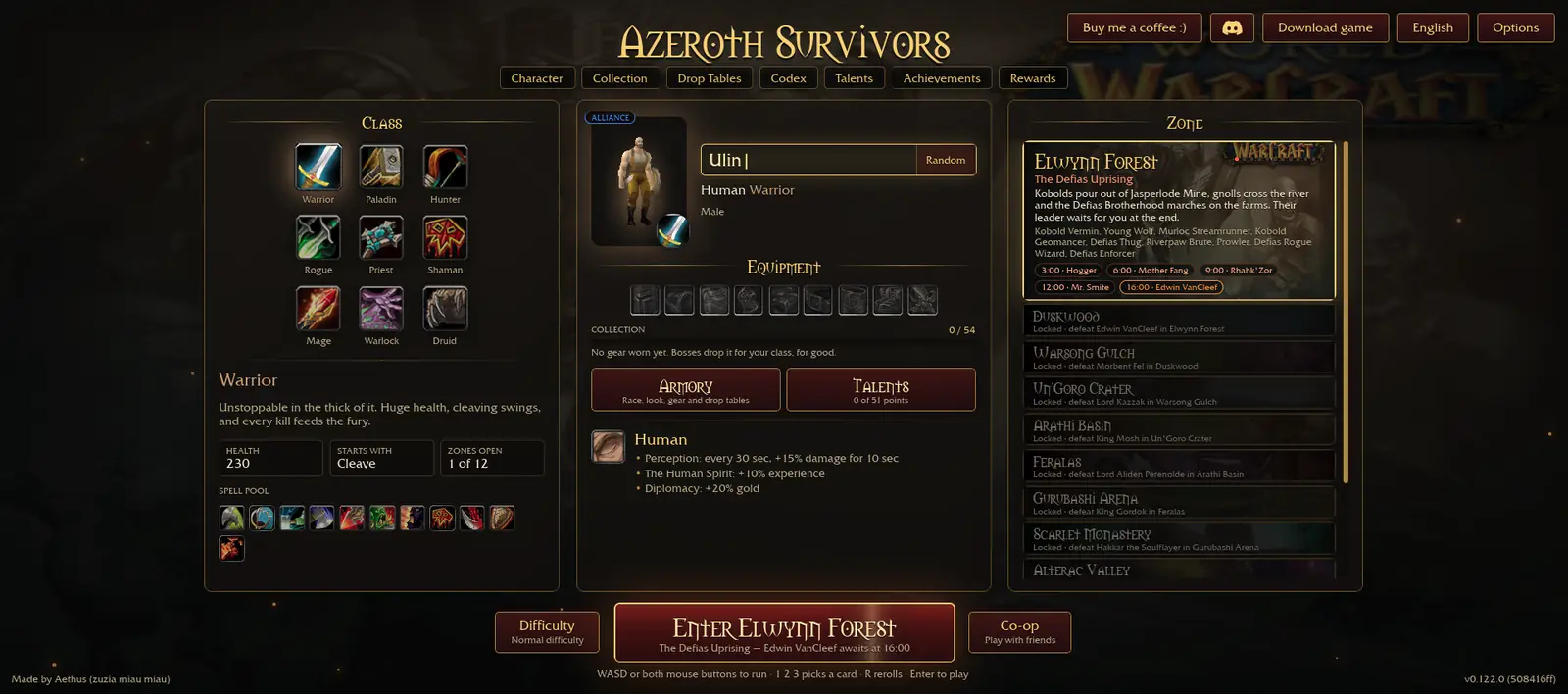
Checked 2026-10-28. Two independent publishers are needed to call a claim confirmed. A menu, screenshot and script from Aethus count as one publisher. Exact menu HP, racial values and dated build identifiers are single-source observations. A video or a general game report does not independently verify every number. Missing values remain unreported; disagreements stay attributed.
- Aethus — original game page
Official browser entry and Windows link. Version and menu numbers are a single-publisher snapshot dated 28 October 2026, not independently confirmed current values.
- 17173 — independent game report, 26 October 2026
Free game, nine classes, eight races, Windows download and permanent progression. Rounded download size is not a file identity check.
- Official addon loader
ZIP import and IndexedDB; single official publisher.
- AzerothSurvivor on CurseForge
A different WoW addon, not an addon package for the browser game.
- Community addon list
Package names and commands are community claims, not compatibility guarantees.
- Holdherhand — Azeroth Survivors Addons Guide
Independent public footage for the gameplay shown, not verification of every numerical claim on this page.