This is the backup page, not a save editor. The official client exports a .sav, imports .sav or .txt, and refuses a file it thinks was edited. Browser storage and the Windows folder are different piles.
The author’s public saves.js and dated bundle strings define export, accepted extensions and replacement/error messages. The independent save-transfer guide describes backing up the destination. These are source-based instructions, not a claim of a live-character import test.
Back up an Azeroth Survivors save
- Open Saves. In the official client, open Options, then Saves.
- Export. Choose Export Save and keep the .sav somewhere outside the game folder.
- Back up the destination. Before importing, export the destination browser or Windows build’s current progress too. Keep both original files.
- Import later. Import Save replaces all progress; it does not merge characters. Select the intended file and retain both backups. Do not clear the game site data.
Before importing over another save
Export from the source, then export the destination’s existing progress to a different filename. Keep both files outside the game folder. Import only after checking which progress the chosen file contains: import replaces the destination, it does not merge two profiles.
The official save helper defines .sav export and .sav/.txt import. The independent save-transfer guide also describes replacement and a destination backup. Neither source establishes a guaranteed recovery service.
Export and import
Options, then Saves, then Export Save or Import Save. The export name looks like AzerothSurvivors YYYY-MM-DD HH-MM-SS.sav. Import accepts .sav and .txt. Import replaces the whole progress, not one character. The rejection line is: “That save file is damaged or was edited, and cannot be read.”
In the browser the keys are localStorage rogue.characters and rogue.characters.backup.1. On Windows there is a Saves folder beside the unpacked game. A video guide by PatentedCupid (27 October 2026) walks the same panel. It had 57 views when we logged it. The view count is not a measure of accuracy. It is a small public demo of the panel.
They do not follow you
The browser origin, a framed copy, and the Windows folder each keep their own save. Export before you switch. Do not assume automatic cross-device synchronisation or guaranteed recovery. The public startup script names a local backup key, but that is not a replacement for exporting your own file. Avoid clearing the game origin’s site data.
Questions
Can I edit the save?
The client rejects a file it detects as edited. This site does not publish an editor.
Sources and verification limits
Checked 2026-10-28. Two independent publishers are needed to call a claim confirmed. A menu, screenshot and script from Aethus count as one publisher. Exact menu HP, racial values and dated build identifiers are single-source observations. A video or a general game report does not independently verify every number. Missing values remain unreported; disagreements stay attributed.
- Aethus — original game page
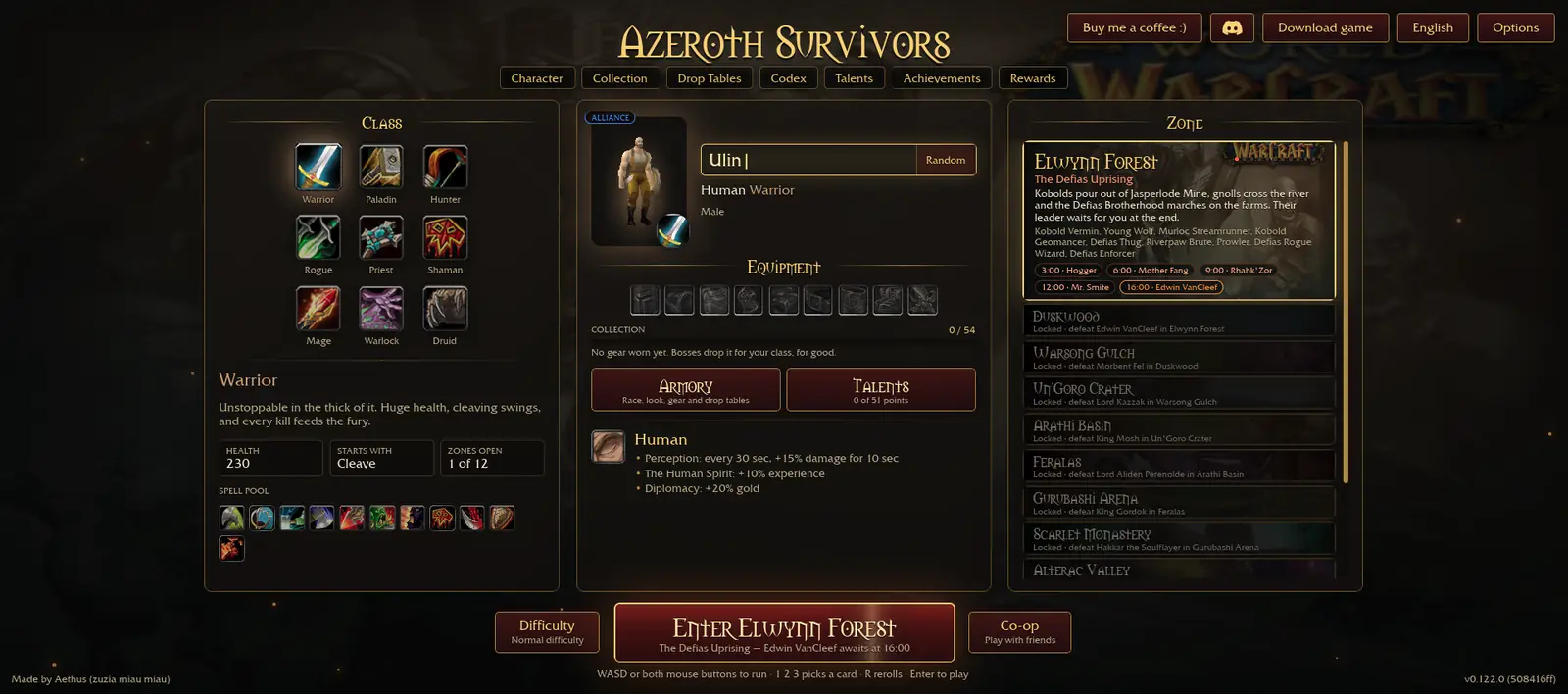
Official browser entry and Windows link. Version and menu numbers are a single-publisher snapshot dated 28 October 2026, not independently confirmed current values.
- 17173 — independent game report, 26 October 2026
Free game, nine classes, eight races, Windows download and permanent progression. Rounded download size is not a file identity check.
- Official save import/export code
File extensions and export naming; single official publisher.
- Official public startup script
WebGPU, anti-framing, storage and phone-control comments. Same publisher as the game, not a second independent source.
- Independent save-transfer guide
Import replaces progress; back up destination first. Automatic cross-device sync is not promised.
- PatentedCupid — Saves and Addons Guide
Independent public footage for the gameplay shown, not verification of every numerical claim on this page.